

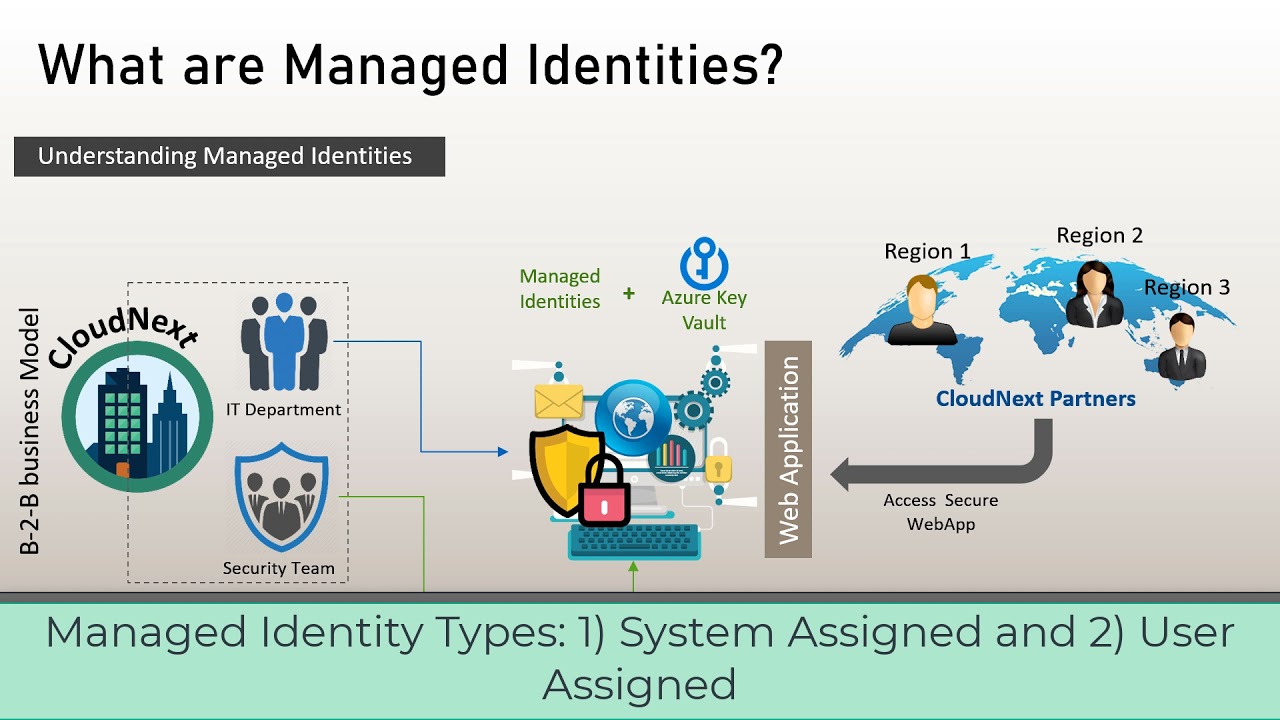

What is Managed Identity in Azure?
When building applications in the cloud, managing credentials securely is a major challenge. Developers often need to connect apps to resources like databases, storage accounts, or APIs. Traditionally, this required storing passwords, keys, or connection strings — which can be risky.
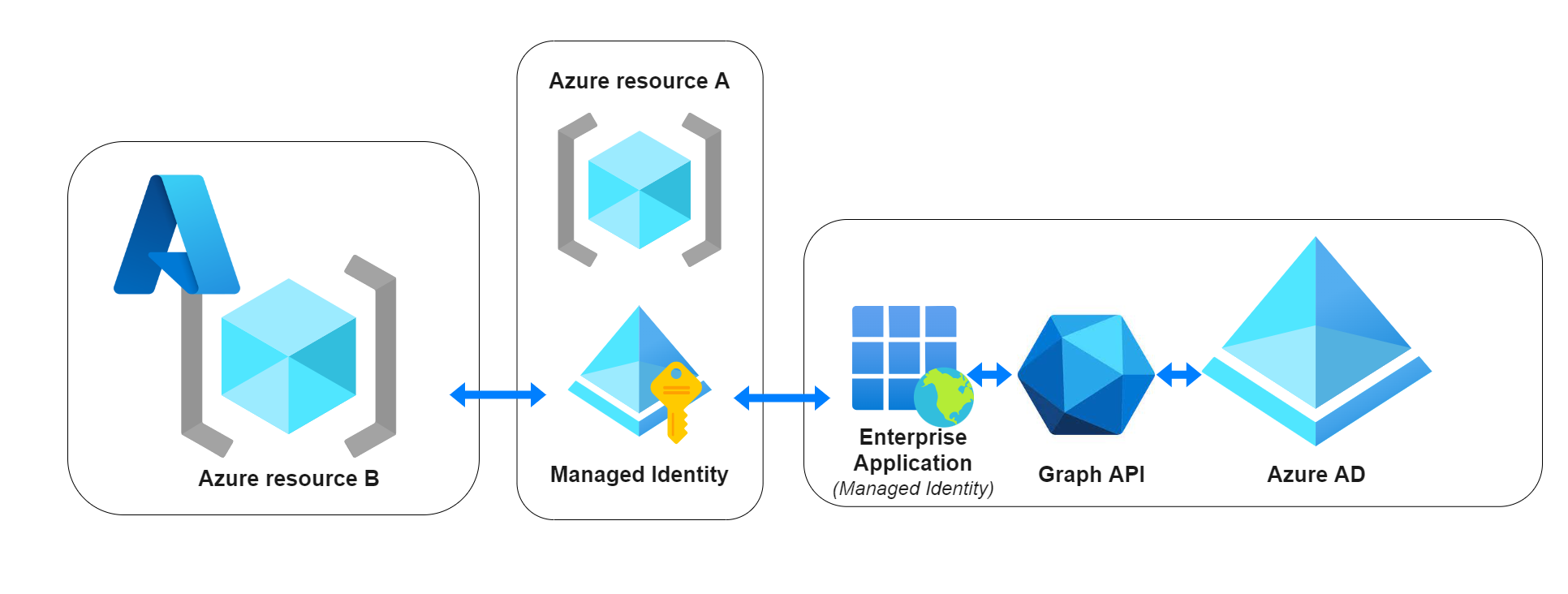
Azure Managed Identity solves this problem by providing applications with an automatically managed identity in Azure Active Directory (Azure AD), eliminating the need for developers to handle credentials manually.
Types of Managed Identities
Azure offers two types of managed identities:
1. System-assigned Managed Identity
- Enabled directly on an Azure service instance (e.g., Virtual Machine, App Service, Function).
- Tied to the lifecycle of the resource — if the resource is deleted, the identity is also deleted.
- Useful when each instance needs its own identity.
2. User-assigned Managed Identity
- Created as a standalone Azure resource.
- Can be assigned to multiple services.
- Has its own lifecycle independent of any single resource.
- Useful when multiple applications need to share the same identity.
How It Works
- You enable Managed Identity on an Azure resource (e.g., App Service).
- Azure automatically creates an identity in Azure Active Directory.
- The application can request an OAuth 2.0 token from Azure AD without storing any credentials.
- The token can be used to securely access supported services like Azure Key Vault, Azure Storage, or Azure SQL.
Benefits of Managed Identity
- 🔑 No credential management – Azure handles key rotation automatically.
- 🔒 Improved security – No secrets in code, configuration, or CI/CD pipelines.
- ⚡ Simplified authentication – Works natively with Azure SDKs.
- 🔁 Automatic lifecycle – For system-assigned identities, the identity is created and deleted with the resource.
Example Use Case
Imagine an Azure Function that needs to fetch secrets from Azure Key Vault:
Without Managed Identity:
- You would need to create a service principal, generate a secret, store it in configuration, and rotate it manually.
With Managed Identity:
- Simply enable Managed Identity, grant the Function Key Vault Reader access, and let Azure handle authentication automatically.
Supported Azure Services
Managed Identity is widely supported in Azure, including:
- Virtual Machines
- App Service / Azure Functions
- Azure Kubernetes Service (AKS)
- Azure Logic Apps
- Azure API Management
- And more…
(See Microsoft Docs for the full list of supported services.)
Conclusion
Azure Managed Identity removes the headache of credential management while improving security. By letting Azure handle identity and access to resources, developers can focus on building applications instead of worrying about secret storage and rotation.
“No secrets, no worries — that’s the power of Managed Identity.”